
X AIR TEMPLATES · DIGITAL DOWNLOAD
X AIR Complete Mix System
Start with my scenes and presets for your Behringer XR18, XR16, or XR12, or Midas MR18 or MR12. Choose the setup you need, then make it your own.
Three scene editions for five mixer models · 100 channel presets · 49 FX presets
Video walkthrough + illustrated guides
$67 USD
One-time purchase. No subscription.
Your download arrives by email.
Get the Bundle for $67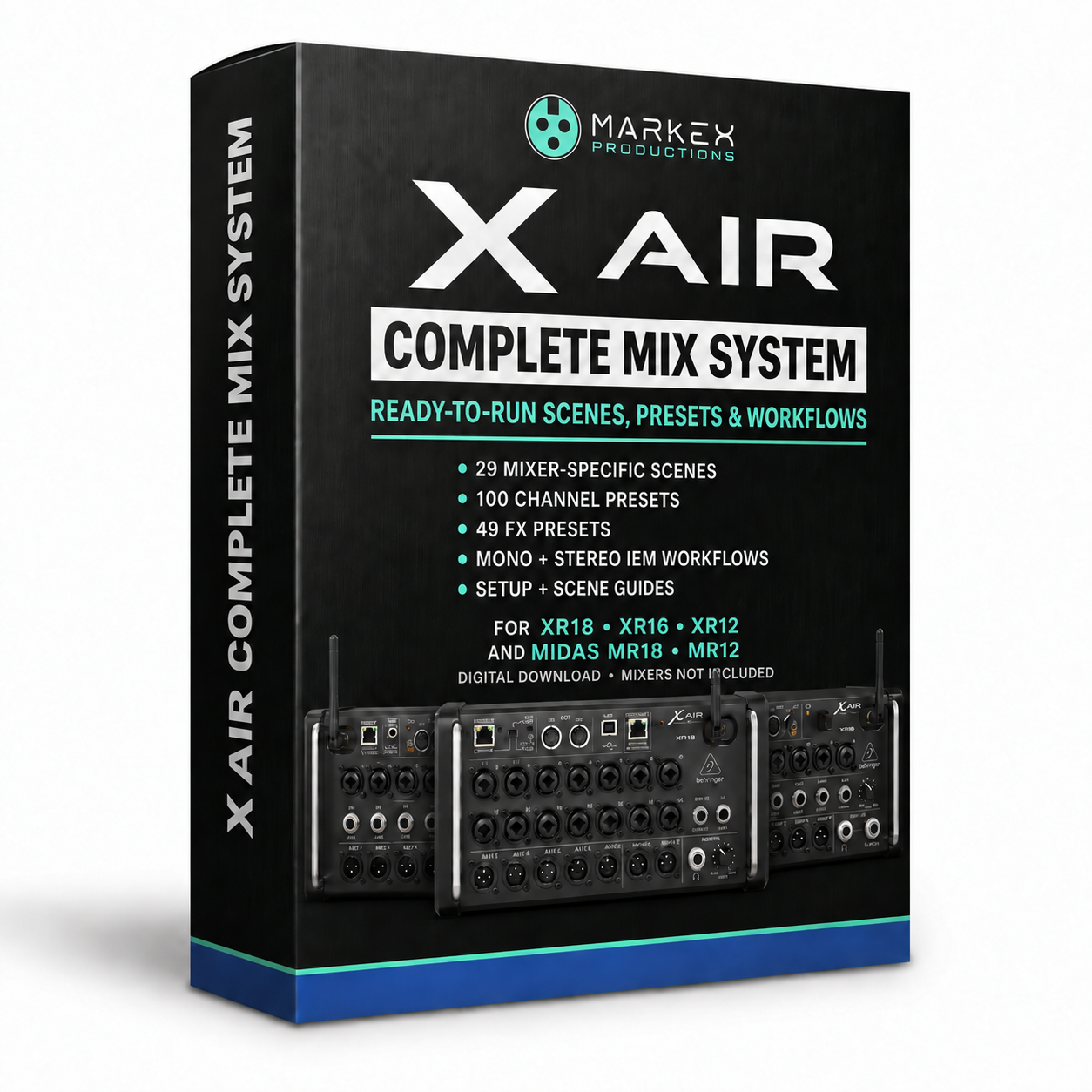
WHAT YOU GET
Scenes, Presets, and Help Using Them
Scenes for Your Mixer
29 scene files across three editions: 11 for XR18/MR18, 9 for XR16, and 9 for XR12/MR12. Choose the folder that matches your mixer below.
100 Channel Presets
Starting points for vocals, drums, percussion, guitars, bass, keys, speech, and playback, with useful variations for different sources.
49 FX Presets
Reverbs, delays, modulation, combined effects, and insert processing. Choose the sound you need and adjust it to taste.
Video Walkthrough
Follow along as I load the files, explain the scene choices, and show how to use the channel and FX presets.
Illustrated Setup Guides
Start Here, the Scene Guide, and the Loading and FX Guide cover which files to choose and how to use them.
Searchable Preset Directories
Browse the channel and FX libraries in your browser, with real editor screenshots and adjustment tips. PDF versions are included too.
BUILT AROUND YOUR SETUP
Start With the Scene That Fits the Job
I included different layouts because a church service, an IEM rig, and a DJ setup do not need the same mix.
The Scene Guide explains what each one is for, so you do not have to guess from the filename.
Live Sound and Monitoring
Band and smaller acoustic setups. Church/Live Venue with a separate stream mix. Mono, stereo, and dedicated IEM layouts.
Events, Speech, and Recording
DJ, speech panel, and podcast setups. The XR18 edition, also compatible with MR18, includes multitrack recording and virtual soundcheck scenes.
Available inputs and monitor mixes depend on your mixer. DJ scenes leave the FX slots empty so you can add effects only if you need them.
ALL THREE EDITIONS INCLUDED
Open the Folder for Your Mixer
Three scene editions cover five mixer models. The channel and FX preset libraries are shared across the bundle.
XR18 / MR18 · 11 Scenes
Use the XR18 folder for either model. Includes the live, IEM, event, and speech layouts, plus USB multitrack recording and virtual soundcheck.
XR16 · 9 Scenes
Layouts adapted for the XR16’s inputs and outputs. Its USB recorder captures a stereo mix, not separate tracks to a computer.
XR12 / MR12 · 9 Scenes
Use the XR12 folder for either model. Includes solo/duo and acoustic trio layouts. USB recording is stereo, not computer multitrack.
FROM DOWNLOAD TO SOUNDCHECK
Load It, Listen, and Adjust
I walk through the setup in the included video, and the guides give you something to refer back to later.
1. Choose and Load a Scene
Back up your current mix, open the folder for your mixer, and load a scene on your computer using X AIR Edit for Behringer or M AIR Edit for Midas.
2. Match It to Your Sources
Set input gain, check your connections, and unmute the channels you need. Load a channel or FX preset when you want a different starting sound.
3. Make It Your Mix
Adjust EQ, compression, and effects for what you hear, then save your own scene. These are editable starting points, not settings you have to keep.
FAQ
Common Questions
Is This Beginner Friendly?
Do I Get All Three Mixer Editions?
Can I Use My iPad?
Can I Load These Scenes Directly into Mixing Station?
Will Loading a Scene Replace My Current Mix?
Can I Change the Presets?
Which Models Support USB Multitrack Recording?
Is It Compatible with Midas MR18 and MR12?
Is Hardware Included?
Is This a Subscription?
How Do I Receive My Bundle?
FROM AN X AIR CUSTOMER
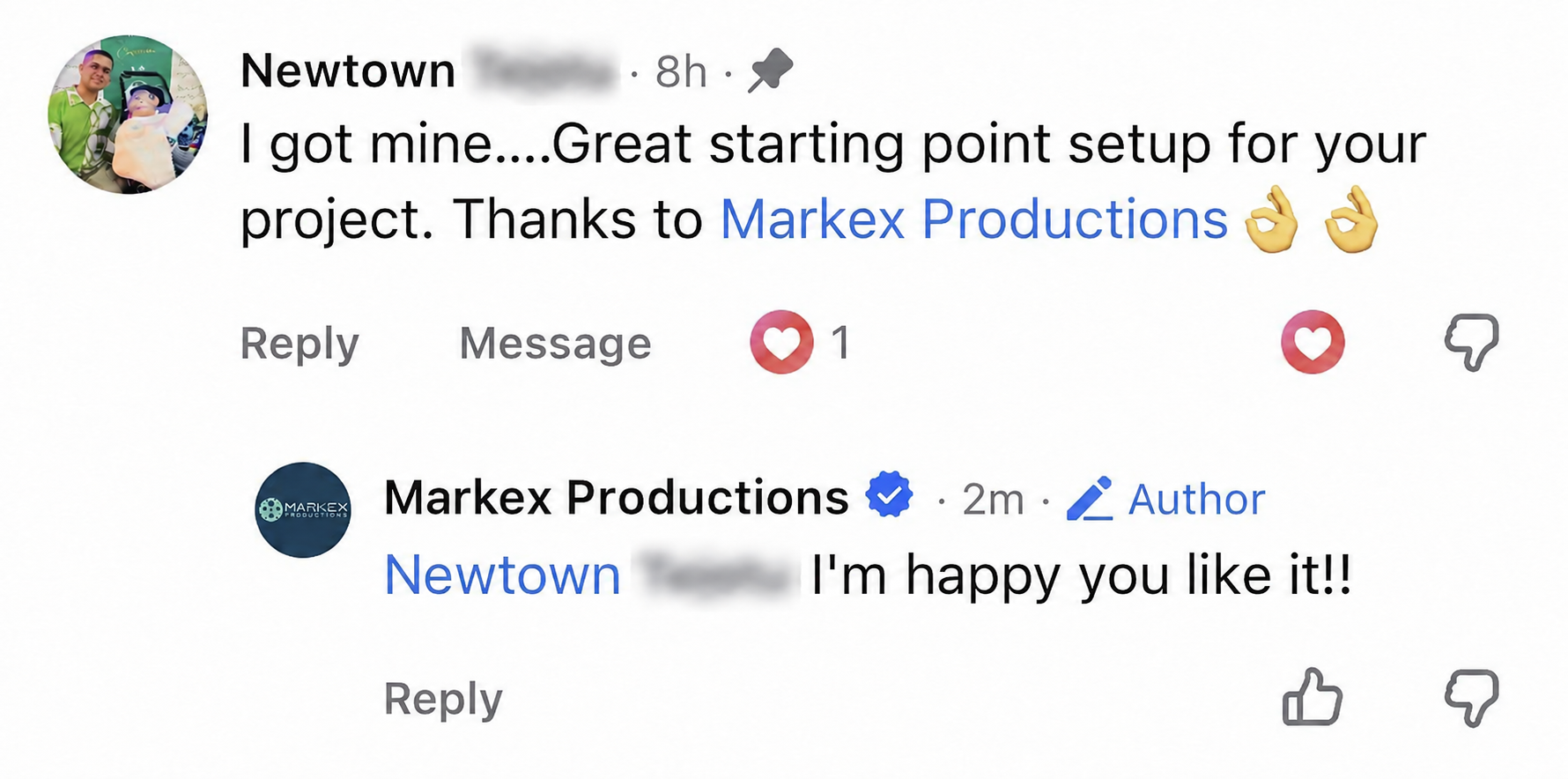
A Real Starting Point for a Real Project
MARKEX X AIR COMPLETE MIX SYSTEM
Your Starting Point for the Next Mix
Use my layouts and preset library to get the setup in place, then spend your soundcheck listening and making it work for your people.